Showroom
The Showroom is a demo app that is installed together with CustomTkinter, new in version 6.0. It shows every widget in one window, so you can try the built-in themes, light and dark mode and different scaling levels before you write any code.
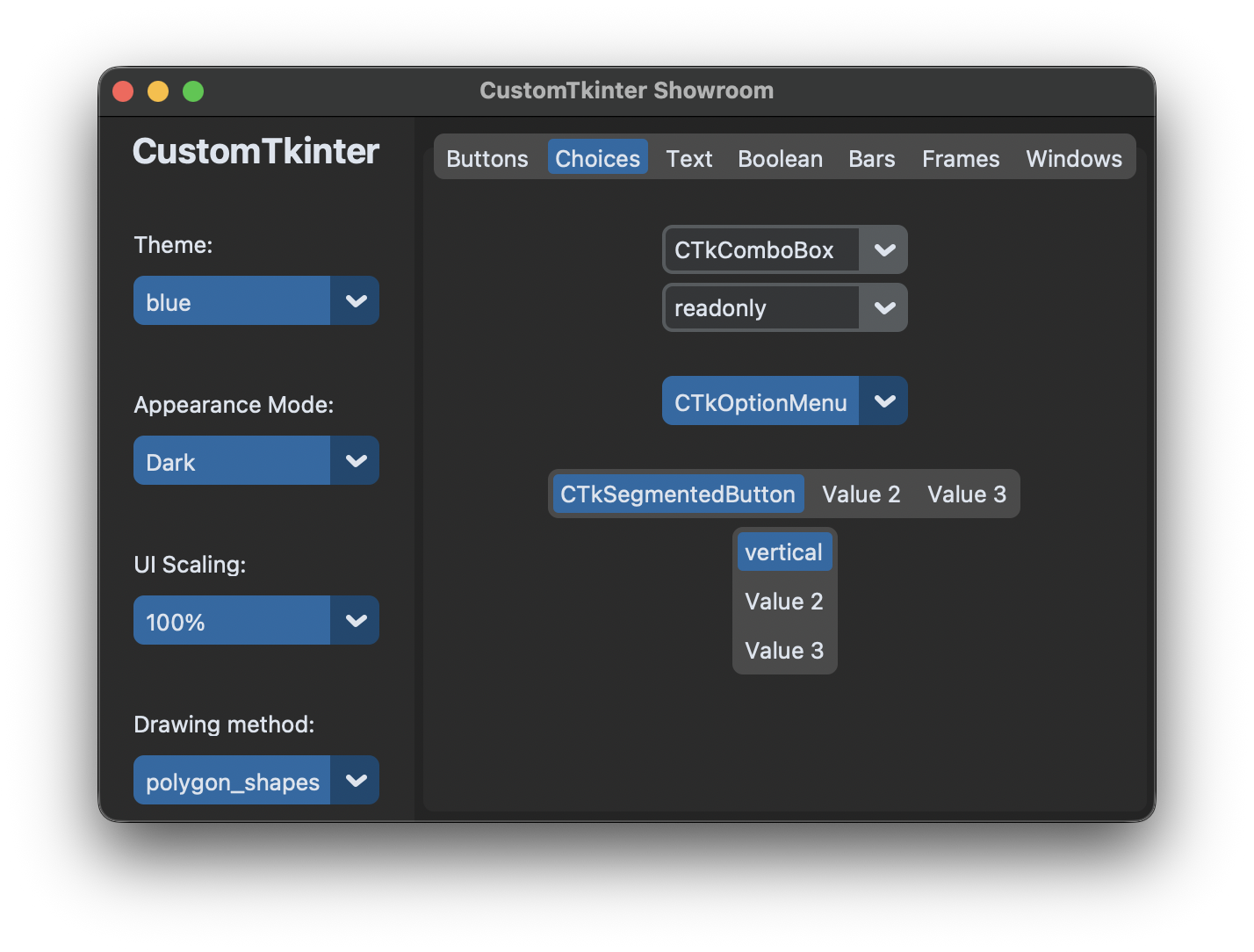
Start the Showroom
From a Python script:
import customtkinter

customtkinter.run_showroom()
Or directly from the command line:
python -c "import customtkinter; customtkinter.run_showroom()"
What you can try
The sidebar on the left changes the look of the whole app:
- Theme: blue, dark-blue, green or gold. Changing the theme reopens the window, because a theme is loaded before the widgets are created.
- Appearance Mode: Light, Dark or System.
- UI Scaling: 80% to 120%.
- Drawing method: the method CustomTkinter uses to draw rounded shapes ("polygon_shapes", "font_shapes" or "circle_shapes").
The tabs on the right group the widgets:
- Buttons: CTkButton, also without hover effect and disabled
- Choices: CTkComboBox (editable and read-only), CTkOptionMenu, CTkSegmentedButton (horizontal and vertical)
- Text: CTkLabel, CTkEntry, CTkTextbox
- Boolean: CTkRadioButton, CTkCheckBox, CTkSwitch
- Bars: CTkProgressBar (determinate and indeterminate), CTkSlider, CTkScrollbar, each also vertical
- Frames: CTkScrollableFrame and CTkTabview
- Windows: buttons that open a CTkToplevel and a CTkInputDialog
The source code of the Showroom is in the customtkinter/__init__.py file of the library, it is a good example of how to structure a larger app.