Tutorial Introduction
This is the official CustomTkinter tutorial section. Each tutorial builds a small app step by step and ends with the full code, which you can copy and run. If you are new to CustomTkinter, start with Your First App. The tutorials are written for CustomTkinter 6.0, but most of the code also works with version 5.
For a description of all widgets and their arguments, see the documentation.
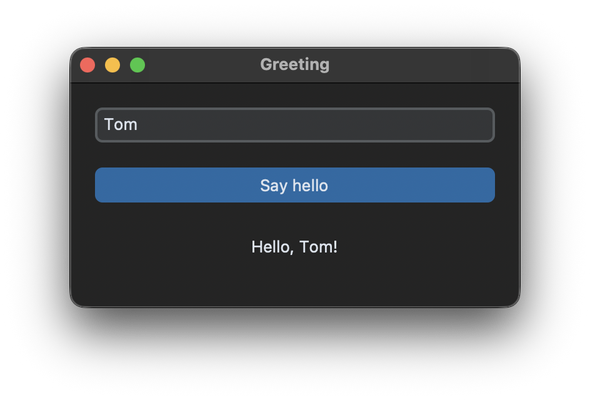
Beginner
Write your first app, get familiar with the grid geometry system, create frames and scrollable frames and set up the window.
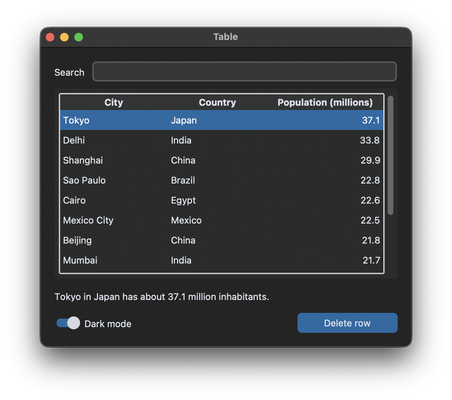
Widgets
Forms with validation, dependent dropdowns, images and icons, tables with Treeview and dialogs.
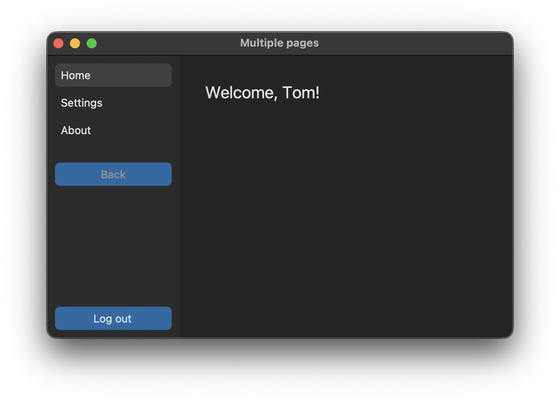
App Structure
Structure an app with classes, switch between multiple pages and open extra windows with CTkToplevel.
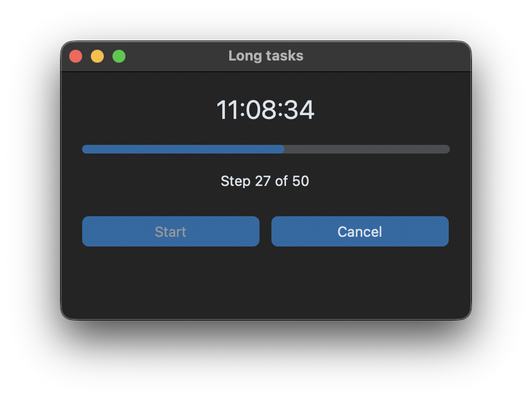
Background Tasks
Run long tasks in a thread with a progress bar, without freezing the window.
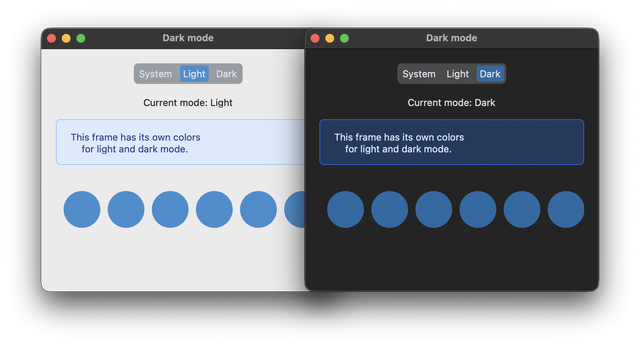
Styling
Light and dark mode, own colors for both modes and tkinter widgets that follow the appearance mode.
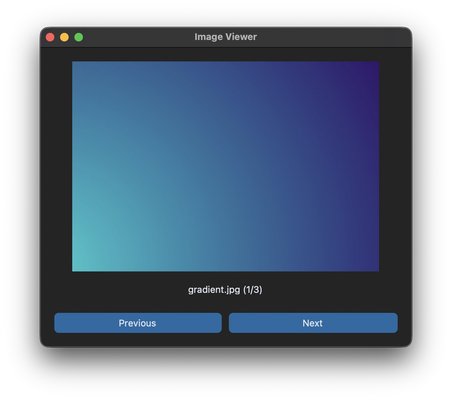
Distribution
Package an app with images and icons into an executable with PyInstaller.
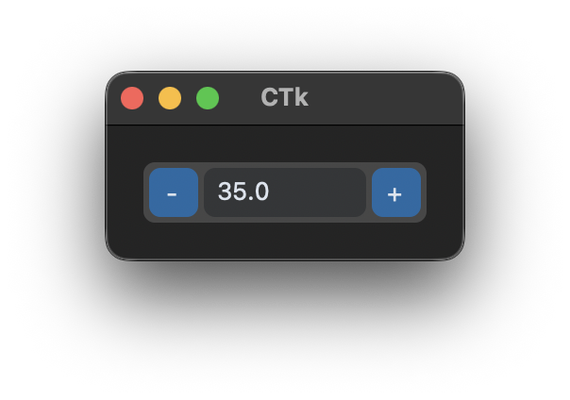
Advanced
Create new reusable components based on a frame like a spinbox.
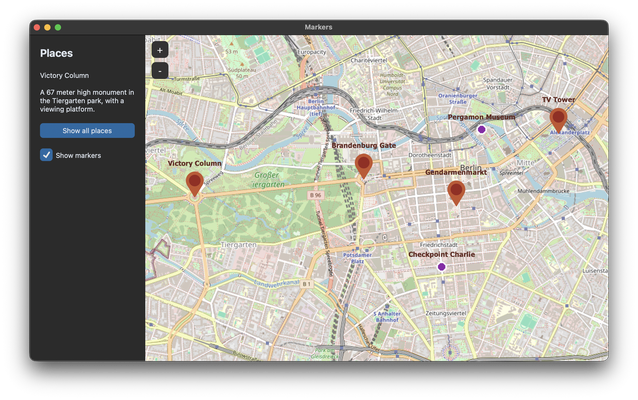
TkinterMapView
Show a map with TkinterMapView, add markers, react to clicks and change the tile server.
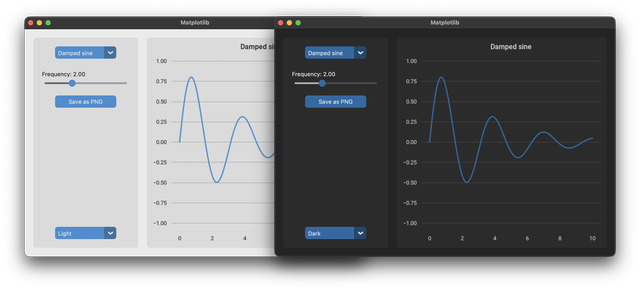
Matplotlib Charts
Matplotlib charts with the colors and font of CustomTkinter, zoom and mouse events, and live data from a thread.